One App, All Your Games
Not available on Play Store — install directly from wc44.cam
Scan this QR code with your phone camera to open the download page directly.
The APK Is Safe — Here's Why
Downloading an APK outside the Play Store is normal for gaming apps in Malaysia. The wc44 App is built and hosted directly on wc44.cam — no third-party mirrors. These four points tell you exactly what permissions are used and why.
SSL-Encrypted Transfer
Every byte of the APK download travels over HTTPS from wc44.cam. Your connection is encrypted end-to-end, so the file you receive is exactly the file we published — no tampering, no injection. Always confirm the URL starts with wc44.cam before downloading.
Minimal Phone Permissions
The wc44 App requests only what it needs: internet access (to load games and process RM transactions), storage access (to save the APK during updates), and optional camera access if you choose to upload KYC documents. It does not read contacts, track location, or access your microphone.
Verified Builds Only
Each release of wc44.apk is code-signed before it goes live. When you install version 2.0.9, Android verifies the signature automatically. If a file has been modified after signing — even by a single byte — Android will refuse to install it and show a "package invalid" warning. That's your safety net.
Your Account Data Is Protected
Login credentials and payment details are never stored in plain text on your device. The app uses the same session-token system as the desktop site, with auto-logout after inactivity. Touch 'n Go, DuitNow and FPX transactions are processed through each provider's own secure gateway — wc44 never sees your bank PIN.
System Requirements & Version Details
The wc44 App is intentionally lightweight so it runs smoothly on mid-range Malaysian phones — no high-end flagship required. Check the table below before downloading.
| Detail | wc44 App (Android) |
|---|---|
| File Name | wc44.apk |
| Version | 2.0.9 |
| File Size | 28 MB |
| Minimum Android Version | Android 8.0 (Oreo) |
| Last Updated | 10 November 2026 |
| Price | Free |
| Languages | English / Bahasa Melayu |
| Available On | Android only (direct APK) |
| Internet Required | Yes (Wi-Fi or mobile data) |
| Minimum RAM (recommended) | 2 GB |
| Storage Space Needed | ~45 MB after install |
iOS users: Apple does not allow third-party APK installs. Use the wc44 mobile site via Safari and add it to your home screen for a near-app experience. Steps are in the iOS section below.
Android APK Installation: 5 Steps
The whole process takes under three minutes on most phones. Follow each step in order — the most important one is Step 2 (allowing unknown sources), which Android requires for any APK that isn't from the Play Store.
-
Allow Installation from Unknown Sources
Go to Settings → Security (or Privacy → Install Unknown Apps on Android 10+). Find your browser or file manager in the list and toggle "Allow from this source" to ON. This setting only grants permission to that specific app — it does not lower Android's overall security. You can turn it off again after installing wc44.
-
Download the APK File
Tap the Download APK button on this page. Your browser will save wc44.apk (28 MB) to your Downloads folder. On a typical Malaysian 4G connection this takes under 30 seconds. If you are on mobile data, make sure you have at least 50 MB free to avoid an interrupted download.
-
Open the Downloaded File
Pull down your notification shade — you will see a "Download complete" notification for wc44.apk. Tap it, or open your Files / My Files app and navigate to the Downloads folder. Tap the APK file once. Android will show an "Install" confirmation screen listing the permissions the app will use. Review them, then tap Install.
-
Wait for Installation to Complete
The installation takes 10–20 seconds. You will see a progress bar followed by an "App installed" message. Tap Open to launch immediately, or find the wc44 icon on your home screen or app drawer. The icon loads in the same forest-green and gold palette as the main site, so it is easy to spot at a glance.
-
Log In or Register Your Account
Open the wc44 App and tap Log In if you already have an account. New to wc44? Tap Register — the sign-up form takes about two minutes to complete. Once logged in, head to the Deposit section and use Touch 'n Go eWallet, DuitNow, FPX or Bank Transfer to fund your account. Minimum first deposit is RM15. See the wc44 Login page or wc44 Register page for details.
iOS Users: Add wc44 to Your Home Screen
Apple's App Store policies prevent casino APKs from being listed, but you can pin wc44's mobile site to your iPhone or iPad home screen. It opens full-screen, without the browser bar, and behaves like a native app.
- Open Safari on your iPhone or iPad and go to wc44.cam.
- Tap the Share button (the box with an arrow pointing upward, at the bottom of the screen).
- Scroll down the Share sheet and tap Add to Home Screen.
- Edit the name to "wc44" if you like, then tap Add in the top-right corner.
Works on iPhone iOS 14+ and iPad. Chrome on iOS does not support "Add to Home Screen" in the same way — stick to Safari for the best result.
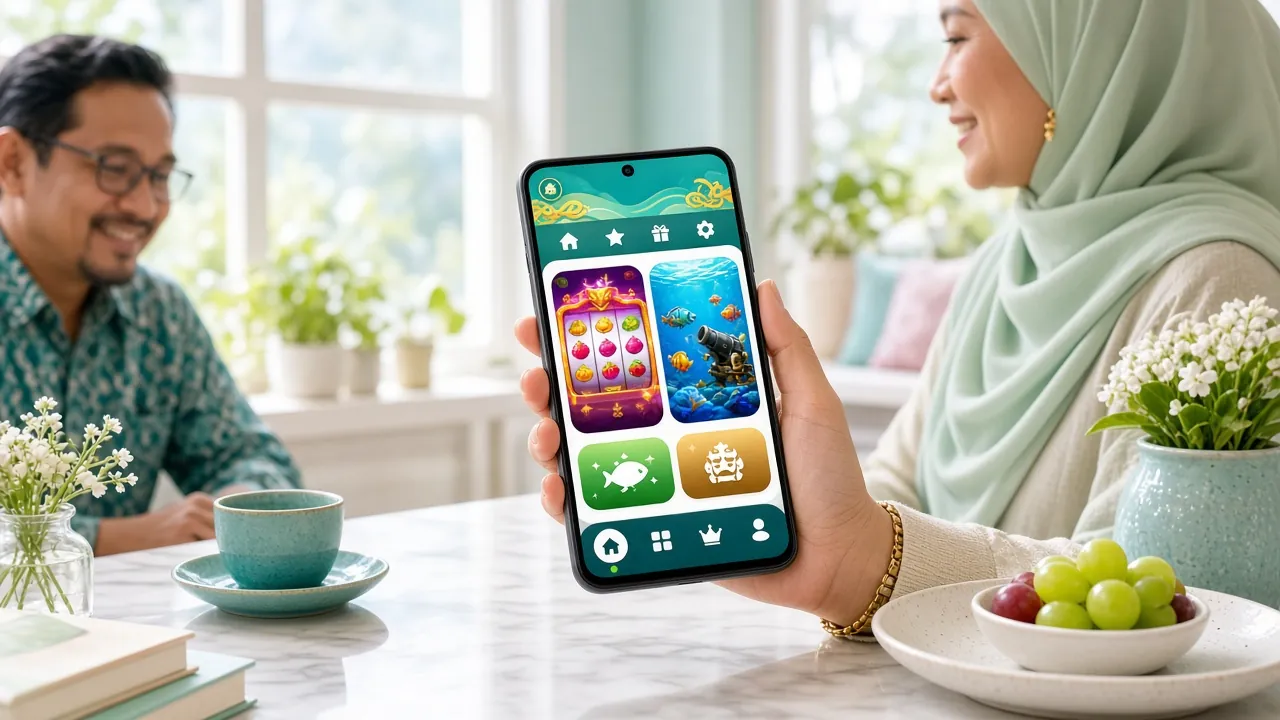
App vs Browser: Which Should You Use?
Both options give you full access to the wc44 platform. The table below highlights where each one has a practical edge so you can pick the right one for your situation.
| Feature | wc44 App (APK) | Mobile Browser | Desktop Browser |
|---|---|---|---|
| Game library | All 5,700+ games | All 5,700+ games | All 5,700+ games |
| Touch controls | Optimised for touch | Optimised for touch | Mouse/keyboard only |
| Load speed | Faster (cached assets) | Standard | Standard |
| Push-style notifications | Yes (deposit, withdrawal) | Browser alerts only | Browser alerts only |
| Biometric login | Fingerprint / Face ID | Depends on browser | No |
| Touch 'n Go / DuitNow | Deep-links to wallet app | Redirect | Redirect |
| Offline access | Lobby loads offline | No | No |
| Storage required | ~45 MB on device | None (browser cache) | None |
| Recommended for | Daily mobile players | Occasional mobile use | Long sessions, big screens |
Deposits and withdrawals work identically across all three options. Minimum deposit is RM15; minimum withdrawal is RM150. Withdrawals typically process in about 27 minutes.
What's Inside the wc44 App
From fast-action Crash rounds to a full live casino lobby with real dealers, every category on the desktop site is fully available in the app. Here's a quick rundown of each section.


Crash Games
Habanero's Crash title is the standout pick — RTP of 96.6%, bets from RM1 to RM1,000. The app renders the multiplier graph at full frame rate even on 3G. Cash out manually before the crash or set an auto-cashout target. Rounds resolve in seconds, making it ideal for short mobile sessions between tasks.
Slots — 5,700+ Titles
Slots from Sexy Gaming, Ezugi, Habanero, CQ9 and KA Gaming are all accessible from the app's slot lobby. Titles like Triple (RTP 97.2%), Prosperity Fortune Tree and Monster Plinko are optimised for portrait-mode play. Use the search bar to find a game by name, or filter by provider and RTP range.
Live Casino with Real Dealers
The Live Casino section streams Sexy Gaming and Ezugi tables directly into the app. Baccarat, roulette and blackjack tables load in under four seconds on a stable 4G connection. Chat with dealers in real time. The app switches to a lower-bitrate stream automatically if your signal drops — you stay at the table without disconnecting.
Sports Betting
Malaysian football fans will find EPL, Super League and international fixtures with live in-play odds. The Golden Land sports title from Sexy Gaming (RTP 97.2%) and badminton markets for BWF tournaments are highlighted. Odds update in real time; the wc44 App's push notifications alert you to kick-off times for bookmarked matches.
Fishing & Arcade Games
Relax Fishing (Ezugi, RTP 95.1%) and Caishen Fishing (CQ9, RTP 97.4%) are fan favourites in the Malaysian market — the touchscreen controls in the app make aiming and firing cannons far more intuitive than a desktop mouse. Minimum bet is RM0.10 for Relax Fishing, so you can stretch play time without big stakes.
Deposits & Withdrawals
Fund your account directly inside the app using Touch 'n Go eWallet, DuitNow, FPX Online Banking or Bank Transfer. Deposits arrive in under 5 minutes; withdrawals in approximately 27 minutes once KYC is cleared. The minimum deposit is RM15. All transactions use the same encrypted gateway as the desktop site. See the Deposit Guide for a full walkthrough.
Installation Problems: Quick Fixes
Most errors during APK installation have a straightforward cause. Work through the table below — it covers the five most common issues reported by wc44 players.
| Error / Symptom | Likely Cause | How to Fix It |
|---|---|---|
| "Install blocked" message | Unknown sources not enabled for your browser or file manager app | Go to Settings → Security → Install Unknown Apps. Find your browser in the list and enable it. Only that one app gains permission — your overall security level is not affected. Try opening the APK again. |
| "Parse error" or "Package invalid" | Download was interrupted and the file is incomplete or corrupted | Delete the existing wc44.apk from your Downloads folder. Re-download it from wc44.cam on a stable Wi-Fi connection. Check the file size is 28 MB before attempting to install. Do not rename the APK file — that can also trigger a parse error on some devices. |
| Download stalls at 0% or never completes | Weak mobile signal or VPN interference | Switch to Wi-Fi if possible. If you are using a VPN, disable it temporarily — some VPN exit nodes block large file downloads from gaming domains. Clear your browser's download queue and retry. If the issue persists, try a different browser (Chrome, Samsung Internet or Firefox all work). |
| App installs but crashes immediately on open | Device runs Android older than 8.0, or insufficient RAM | Check your Android version under Settings → About Phone → Software Information. The wc44 App requires Android 8.0 or later. If your phone meets the requirement, force-stop any other apps running in the background to free up RAM, then relaunch wc44. A device restart before installing also helps clear cached processes. |
| "App not installed" after tapping Install | An older version of the wc44 App is already on the device | Go to Settings → Apps and uninstall any existing wc44 app first, then install the new APK. This can happen if you previously sideloaded an unofficial build or an older version that was signed with a different certificate. After uninstalling the old version, the fresh install should proceed without errors. |
Still stuck? The wc44 24/7 Live Chat support team can walk you through it step by step — tap the Live Chat icon on wc44.cam.
Frequently Asked Questions
1. Is the wc44 APK safe to download?
2. Why isn't wc44 on the Google Play Store?
3. How do I update the wc44 App to a new version?
4. Can I use the same account on the app and the browser version?
5. What happens if I lose my phone — is my account at risk?
6. Does the app work on a tablet or low-end phone?
7. I have an iPhone — can I still play wc44 on mobile?
Ready to Play on the Go?
Download the wc44 App now — it's free, it's 28 MB, and it has over 5,700 games waiting. If you don't have an account yet, register free in under two minutes.
18+ · Play Responsibly · Android 8.0+ required